

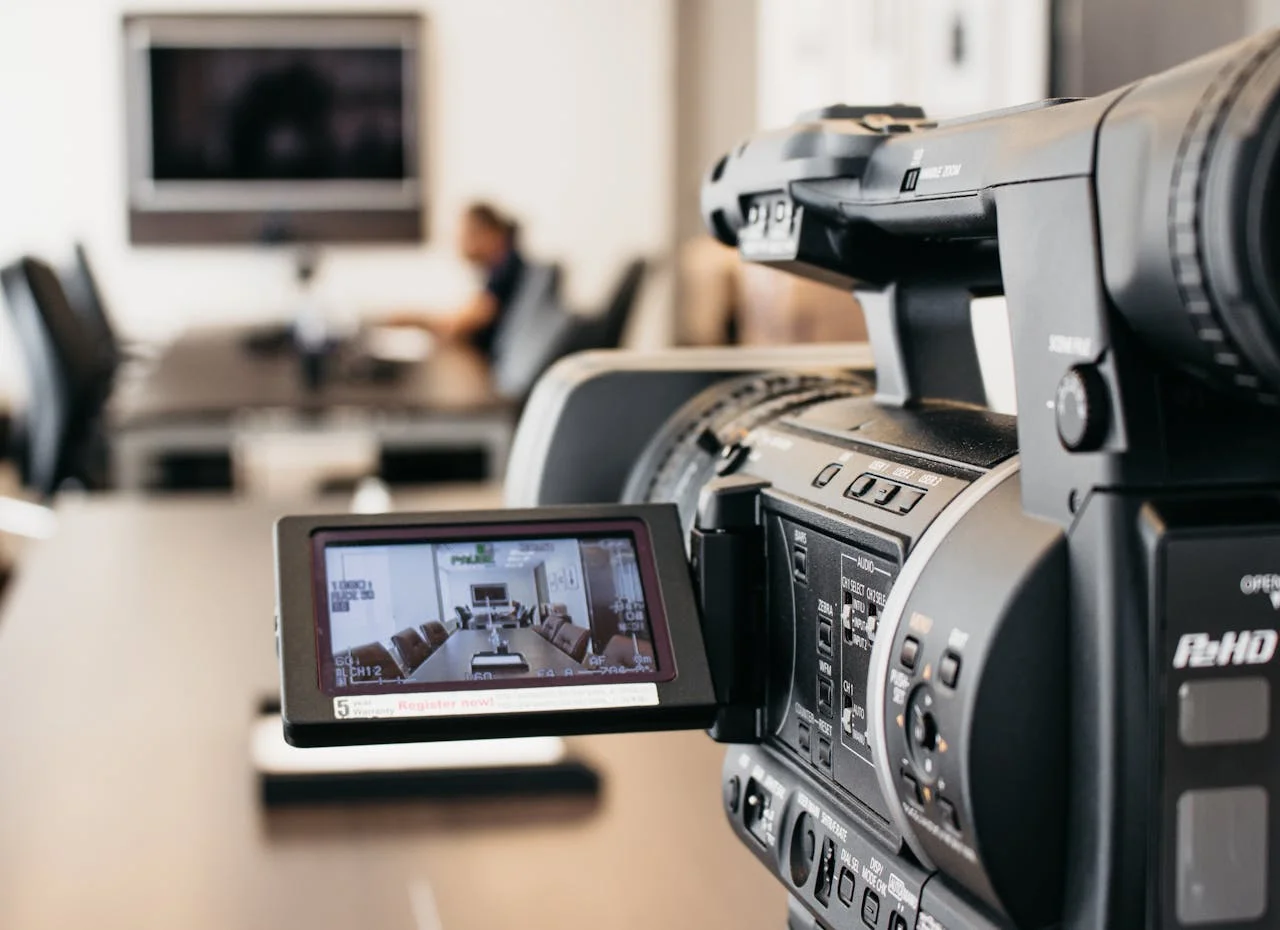

Conference rooms and boardrooms play a critical role in how businesses communicate, collaborate, and make decisions. Whether it’s a client presentation, leadership meeting, or hybrid conference call, poorly designed audio-video systems can disrupt productivity and leave a lasting negative impression. Clear sound, reliable visuals, and intuitive controls are no longer optional in modern workplaces.
So before you reach out to your local experts offering audio video services in Orlando, FL, break down the best audio-video solutions for conference rooms and boardrooms. From improving meeting efficiency to supporting seamless collaboration, the right AV setup helps businesses operate more effectively and present themselves with confidence.
1. High-Quality Displays for Clear Visual Communication
Displays are the focal point of any conference room or boardroom. Large-format commercial displays or laser projectors ensure presentations, data, and video calls are clear and easy to view from every seat. Resolution, brightness, and viewing angles all play a role in maintaining clarity, especially in rooms with natural light. Choosing commercial-grade displays also improves reliability and lifespan compared to consumer TVs.
Beyond image quality, placement and mounting matter just as much. Displays should be positioned to avoid glare and allow comfortable viewing during long meetings. Dual-display setups are often beneficial for presentations paired with video conferencing. A well-designed visual system supports better engagement and decision-making.
2. Professional Audio Systems for Speech Clarity
Clear audio is essential for productive meetings, yet it’s one of the most common pain points in conference rooms. Ceiling microphones, table microphones, or beamforming mic arrays ensure voices are captured evenly throughout the room. Paired with commercial speakers, these systems deliver consistent sound without feedback or distortion. This allows everyone to hear and be heard clearly.
Room size and acoustics all influence audio performance. Professional tuning helps eliminate echo and uneven sound distribution. Proper audio design reduces meeting fatigue and improves collaboration. When sound works seamlessly, meetings stay focused and efficient.
3. Video Conferencing Solutions That Support Hybrid Meetings
Modern conference rooms must support remote participants just as well as those in the room. High-quality cameras with wide-angle lenses and intelligent tracking keep speakers visible without manual adjustments. Integration with popular conferencing platforms ensures compatibility across teams and clients. Reliable video conferencing is now a standard business requirement.
Camera placement and lighting are key factors in video quality. Poor positioning can make participants look distant or unprofessional. A properly designed system creates a natural, face-to-face experience for remote attendees. This supports stronger communication and better outcomes in hybrid meetings.
4. Simple Control Systems for Easy Operation
Even the best AV system falls short if it’s difficult to use. Intuitive control systems allow users to manage displays, audio, video calls, and lighting from a single interface. Touch panels or wall-mounted controls simplify meeting setup and reduce technical issues. This ensures meetings start on time without frustration.
Well-designed controls also reduce the need for IT intervention. Preset modes for different meeting types streamline daily use. Training requirements are minimal when systems are user-friendly. Simplicity plays a major role in overall system success.
5. Room Design and Acoustics That Enhance Performance
AV performance is closely tied to room design. Furniture layout, wall materials, and ceiling treatments all affect sound and visibility. Acoustic treatments help reduce echo and improve speech intelligibility. Thoughtful design ensures technology works with the space rather than against it.
Lighting design is also critical for video meetings and presentations. Balanced lighting prevents harsh shadows and glare on screens. Coordinating AV design with room aesthetics maintains a professional appearance. The result is a space that looks refined and performs reliably.
6. Scalable and Future-Ready AV Infrastructure
Businesses evolve, and conference room technology should evolve with them. Scalable AV systems allow for future upgrades without full replacement. This includes adding new conferencing platforms, displays, or control features as needs change. Planning ahead protects the investment.
Professional installation ensures cabling, network integration, and power requirements are handled correctly. This minimizes downtime and compatibility issues later on. A future-ready AV setup supports growth and changing work styles. Long-term reliability is just as important as initial performance.